Why Voice Testing Matters – How to Ensure an Enjoyable and Productive Experience for Remote Office and Work From Home (WFH) Users
How multiDSLA Impacts Communication Evaluation
We all now know how important our conferencing services are. Unified Communication as a Service (UCaaS) has taken the world by storm, especially after the pandemic escalated a company’s need to work remotely while ensuring business communications wouldn’t be disrupted.
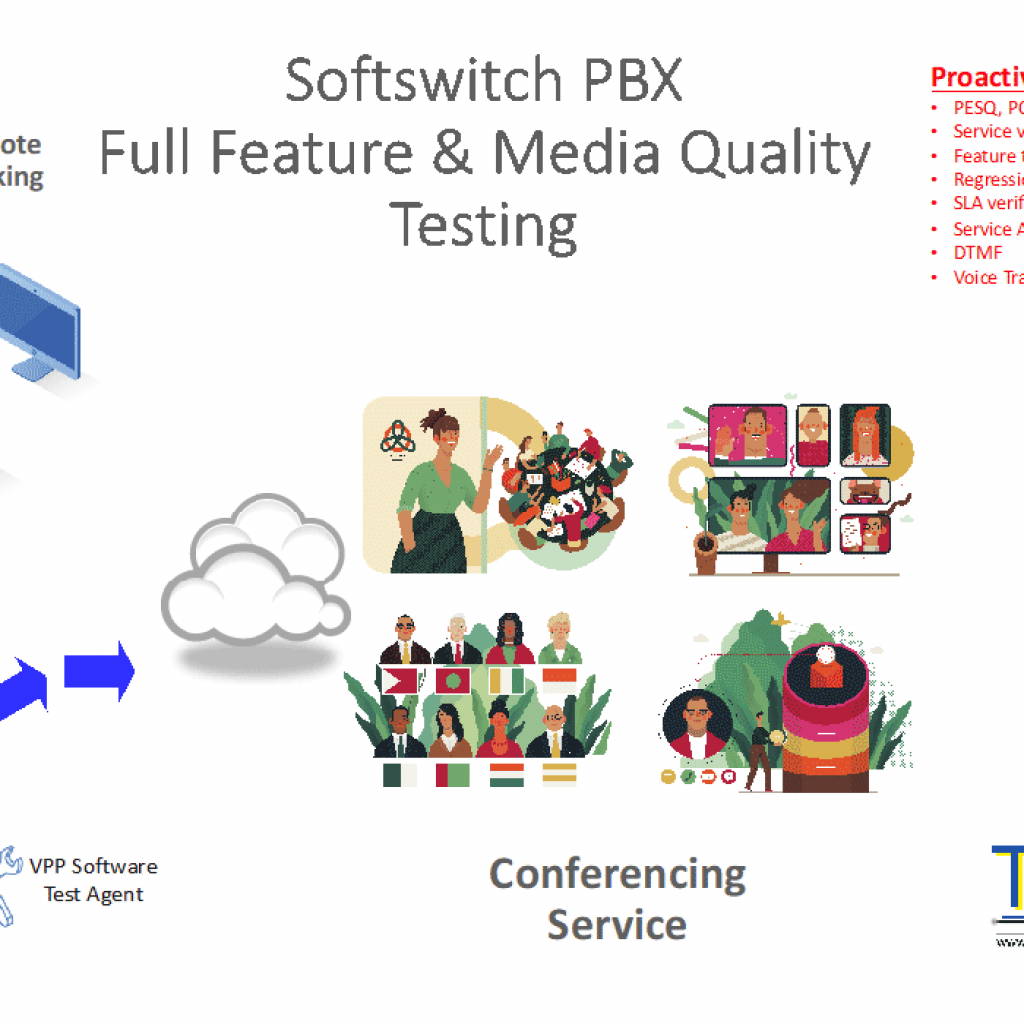
But which conferencing platform performs better than another? And how can IT teams create a testing environment that accurately evaluates the effectiveness of one conferencing platform over another? To determine this, Teraquant teamed up with the Tolly Group, an independent third-party test laboratory to do some private research.
They tested three well known global collaboration solutions using the Opale multiDSLA system delivered by Teraquant. MultiDSLA is renowned in the telecom industry for providing the most accurate voice quality measurements based on the scores of the ITU-T standard P.863 POLQA v3, audio MOS algorithm. POLQA measures true user voice experience, not just the MOS score which characterizes only your network* . MultiDSLA VPP+ also generated the impairments such as packet loss and jitter to simulate poor ISP and network connections impacting our conferencing services
*We will cover the detailed differences between real user voice experience and what the industry calls MOS score in another article in this series.
What is multiDSLA?

The multiDSLA is a hardware and software system that runs on Microsoft Windows. MultiDSLA is the central controller to allow test control, test design, test scheduling, analysis, and reporting of all results. The software controls multiple remote test endpoints both analog and SIP/digital over a TCP/IP connection. The hardware generates real analog audio. So it is able to test through the PC soft-clients or mobiles. In the Tolly test, it interfaced with laptops serving as endpoints for using the analog microphone and speaker ports, just as someone would use a laptop in day-to-day office interactions.
The multiDSLA allows for test nodes or test endpoints to be defined on a pallet known as Node View. These test nodes are represented as blue dots, indicating that they can be reached from the multiDSLA controller via IP connection and are active. Upon joining the dots, telephony tests will be made between those two relevant nodes. Tests can be made from point to multi-point such as when testing a conference server.
Unchecking a box will pop up a GUI driven scheduler so you can automate running of tests over defined or long periods of time.
Nodes are configured under the Node Manager. These nodes might be SIP test soft test endpoints or they may be channels on dedicated hardware generating pure audio band analog files for testing speech or music. Terminals on the back of this hardware unit can be used to input GPS location and timing information or auto control actuators such as a PTT [Push To Talk button] outputs.
Results Analysis
MultiDSLA allows you to drill down into deep detail on the results in order to find the exact speech snippets that cause problems or provide great insights into how the endpoint devices have processed the audio or network miss-treated the transport of the data.
Effect of Packet or Frame Loss on Speech Quality
LAN with No Load
Speech Quality Moderate
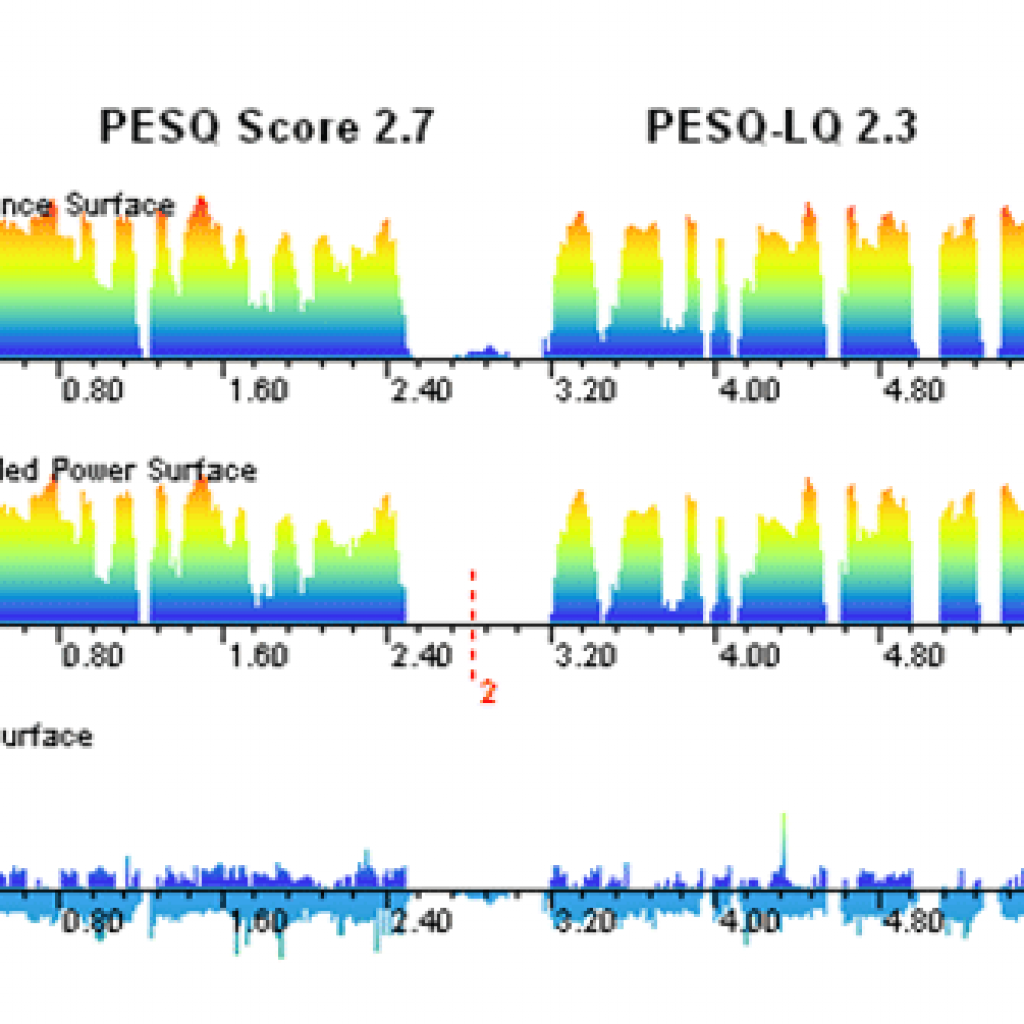
Impaired Network
Speech Quality Poor

Pocket frame loss is visible as negative excursions in the error surface. Loss of synchronization near the end produces “squeak” effect.
The Goals of the Test
The Tolly Group built a test environment to measure to what extent different levels of packet loss, jitter and latency do to voice quality. They also wanted to discover if all systems are affected in the same way or differently. And if so, what are those differentiations and how can they be remedied?
When working from home (WFH) or a small branch office, attendees typically participate in a conference call over a low-cost broadband connection either from cable TV or xDSL. This is one of the major causes of poor voice experience. When we’re all on conference calls for much of the day, it is essential for productivity that we use minimum listening effort in order to be able to hear our fellow attendees clearly and to avoid requests for repetitions.
The goal of this test was to find out if there was much difference between common advanced conferencing platforms in relation to when Internet connections go bad. How sophisticated are the endpoints to deal with impaired networks (i.e., fill in the gaps in speech, so called Packet Loss Concealment Algorithms (PLC), and how much extra bandwidth is used during network brownouts to ameliorate poor voice quality. The research showed spectacular differences between the solutions.
The Findings of the Test
The image below shows findings that voice quality testing is imperative! Not all conferencing systems are equal in relation to voice quality. Why are these metrics so critical? Because without measuring audio MOS and analyzing packet loss and the other variables within the testing, companies cannot predict the efficacy of their current setups and the productivity of their staff. Without the measurement, they’re doomed to repeat the same mistakes — no matter which voice system they use.
The tests showed that while most of these solutions have some type of remediation capability when packets are lost, known as self-adapting Packet Loss Concealment algorithm (PLC), they are all proprietary schemes and not all created equal. So, as we get more packet loss, we see that some solutions are more robust than others. They preserve the voice quality and are less impacted by the packet loss.
The image below shows VoIP solution C can tolerate 40% packet loss while maintaining a speech quality above a 3.0 threshold. This is significant as it is the threshold below which the spoken word is unintelligible. This means you can’t hear what the other person is saying. Beyond 10% loss, the other solutions speech quality drops below this threshold and conversation breaks down. Typically, in an access network, when congestion does occur, it rapidly deteriorates due to re-transmissions. A 3% to 5% packet loss situation rapidly moves into a 40% packet loss situation. This is not infrequent.

For a productive work environment, it’s not only a matter of measuring and trying to control the network performance, but also in fine-tuning and characterizing the performance of your endpoint conferencing equipment. So, voice quality testing matters!
View/Download the full Tolly Test Report
If you would like to know more about the subjects in this article, please get in touch as below.
For more information, view the OCOM information on:
SIP Monitoring in Real-Time